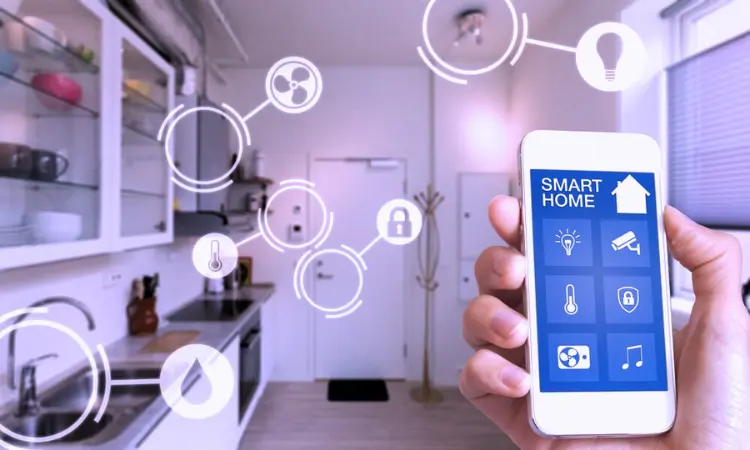
If you’re juggling smart bulbs, smart locks, voice assistants, and maybe even smart shades, you’ve probably hit the wall where nothing talks about everything else. Integrating different smart home systems made easy. Discover how to connect devices seamlessly for smarter living and improved home automation efficiency.
Why does smart home system integration matter?
If your smart lights respond but your smart lock ignores your voice assistant when you leave the house, you’ve missed the point. Integration means your devices talk, respond, and work together, not just individually.
- Fewer apps, fewer forgotten routines.
- Better automation: “Someone arrives → lights + thermostat + security system responds.”
- Fewer frustrations (hello, incompatible gadgets).
- According to tech-trend commentary, mixed protocols are a root cause of major hiccups in smart homes. (Wired)
- The standard Matter is gaining real traction as the cross-device communication backbone. (Nationwide Group)
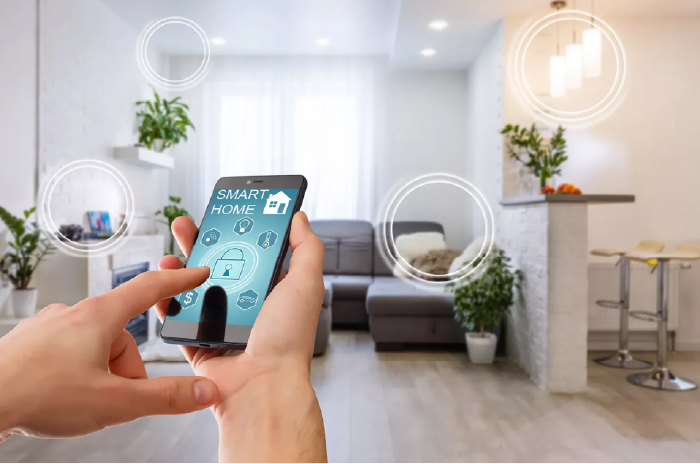
If your home is a scattered ecosystem, you’re leaving convenience and energy savings on the table.
What to figure out before you buy more devices
Choose your ecosystem and protocol wisely
Start with a strong foundation. Because the choices you make now affect scale, compatibility, and performance. Key questions:
- What protocols do your devices use (WiFi, Zigbee, Z-Wave, Thread, Matter)?
- Will your devices support local control (i.e., operations without the internet)? That matters for reliability and privacy.
- Can new devices join your existing setup easily without rewriting everything?
- Are you locked into one brand or open to mixing brands?
Pick without this thought, and you’ll end up in “cool gadget island syndrome”.
Inventory your current setup
Before adding a new gear:
- List all your devices and the protocols they use.
- Identify existing hubs or controllers.
- Note pain-points (slow responses, two apps, random disconnects).
- Assess your network strength (mesh WiFi? router? Interference?
This groundwork saves hours of frustration.
Prioritize interoperability and futureproofing
Since its 2025:
- Look for hubs/devices labeled Matter-compatible. That standard is shaping up to be core.
- Pick gear that can expand with your setup. If you only buy devices tied to one ecosystem, you risk limiting flexibility and making future upgrades harder to integrate.
- Think about local vs cloud dependencies. Cloud-only systems are vulnerable if your internet goes down.
How to integrate different systems without chaos
Establish a “single control hub” or brain
To unify everything:
- Pick one “brain” or platform that can talk to multiple systems (for example an open-source or brand-agnostic hub).
- Use that hub to set global routines instead of managing each device/app separately.
- Ensure that the hub supports the protocols your devices use.
Create clearly defined routines and automation flows
Integration becomes meaningful when systems interact. Example routines:
- When the smart lock unlocks and security mode “Away” is off → lights turn on + thermostat adjusts.
- When the motion sensor triggers at night → hallway lights + camera feed activate.
Use your hub to define the “if this then that” logic.
Monitor network and latency issues
Practical tip:
- Smart-home devices heavily rely on your local network. If the WiFi signal is weak or the network is congested, things break.
- Some protocols (like Thread or Zigbee mesh) help with connectivity. (The Matter Standard)
- Keep your firmware updated. Major platforms are getting Matter version upgrades in 2025.
(Wired)

Common pitfalls and how to avoid them
Brand-lock and closed ecosystems
If you pick everything from one brand because “it works together,” you might be comfortable now, but boxed in later. Recommendation: Mix brands only if protocols and hub allow smooth integration.
Over-automation without oversight
We’ve all seen it: lights flicker at midnight; the wrong device triggers the alarm. To avoid this:
- Test routines in small batches.
- Include “manual safe mode” options.
- Make sure you understand what each automation does.
Neglecting privacy, security, and local control
Smart home = smart security. Some things to lock down:
- Ensure devices support encryption.
- Choose systems with local control fallback so your devices work even if your internet is down.
- Consider whether your devices collect data and whether you’re comfortable with that.
Integrating smart home systems, big picture checklist
| Step | What to do | Why it matters |
| 1 | Inventory existing devices & protocols | You know what you have and what must be integrated |
| 2 | Choose a central hub/brain | Reduces app-hopping and chaos |
| 3 | Pick future-proof protocols (Matter, Thread) | Better compatibility & lower risk of obsolescence |
| 4 | Plan specific automation flows | Moves you from “cool gadgets” to “smart home” |
| 5 | Test, monitor, secure | Keeps things reliable and safe |
Why it matters for you right now
If you’re a content marketer, brand manager, or creator, your home tech environment is a micro-ecosystem. Efficient, integrated workflows in your house can actually inspire how you structure workflows at work. Smart-home integration teaches you about user journeys, system compatibility, and data flows, just like the principles behind Voice Search Adoption: A Steady Growth Shaping the Future of SEO. Additionally, on a personal level, you get less friction, more convenience, and fewer “which app do I open” moments.
And since 2025 is shaping up to be the year of seamless automation, this aligns perfectly with the ideas discussed in The Future of Smart Home Automation: Key Trends for 2025. Convenience isn’t optional anymore; it’s the baseline.
Mini Takeaway
Integration isn’t just “adding another gadget”. It’s building a system where your gear works together, where routines feel intuitive, and the tech fades into the background. Start with protocol clarity, pick your hub wisely, define your routines, and lock down your network. Do that and you’ll have a smart home that feels smart, not just flashy.