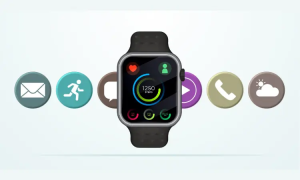
Wearable UI designs have evolved fast. These devices sit on your body, not in your pocket, which means they require a completely different design mindset. Users check them while walking, running, cooking, commuting, or half asleep. They expect instant clarity, simple controls, and interactions that never interrupt their flow.
In 2025, successful wearable interfaces balance functionality with calmness. They simplify complex data, anticipate user needs, and sync naturally with larger device ecosystems. This guide breaks down the most effective design practices backed by research and emerging UX trends. Designing wearable tech user interfaces in 2025 demands more than creativity—it requires a deep understanding of how users interact with technology on the move.
Why Wearable UI Needs a New Way of Thinking
Wearables are checked in micro moments. Users typically glance at screens for one to three seconds, which makes glanceability the most important requirement for effective UX¹.
Limited screen space forces designers to minimize cognitive load and simplify visual structure. Studies show wearable UI must use minimal input, large touch targets, and a compact information hierarchy².
Context awareness is equally important. Research highlights that wearables perform best when they adapt automatically to the user’s environment and activity³.
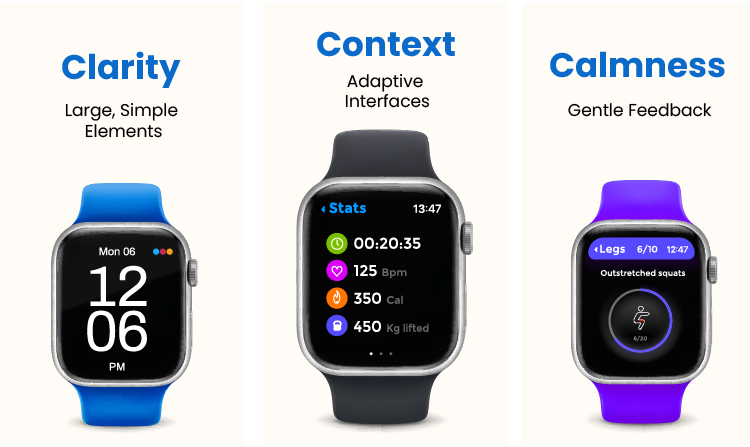
To help guide the design process, the 4C Framework outlines the core principles for effective wearable UI.
The 4C Framework for Wearable UI Design
1. Clarity
Information must be instantly readable with minimal effort.
2. Context
The UI should adapt based on motion, activity, and environment.
3. Calmness
Interactions must support the user instead of overwhelming them.
4. Continuity
The wearable should stay in sync with the larger ecosystem.
1. Clarity: Design for Micro Moments
Wearable UI must deliver meaning quickly. Users cannot scroll or navigate deeply while moving.
Practical guidelines
- Large typography
- Minimal screen elements
- One primary action per screen
- Icon first layouts
- Strong contrast ratios
These practices follow the foundations of glanceable design for small screens².
2. Context: Adapt the UI Naturally
Wearables feel most useful when they match the user’s state.
Contextual examples
- Running mode highlights pace and heart rate.
- Driving mode becomes voice-first.
- Sleep mode dims and silences alerts
- Outdoor mode increases screen contrast.
Context switching allows wearables to stay relevant throughout daily activities³.
3. Calmness: Build Supportive Micro Interactions
Wearables sit against the body, which means feedback must be gentle and non-intrusive.
Effective micro interactions
- Soft haptics
- Light color cues
- Subtle animations
- Minimal gesture requirements
Emotional calmness and physical usability significantly influence long-term device adoption⁴.
4. Continuity: Connect the Entire Ecosystem
Wearables rarely stand alone. They rely on phone apps, cloud dashboards, and often AR components.
Internal connection to mobile UX
Wearable apps must align with modern mobile UX standards shaped by mobile-first indexing:
How the Shift to Mobile-First Indexing Has Redefined SEO Practices
If the wearable includes AR or gesture layers
Interfaces must follow best practices for augmented reality content:
Designing AR Content: Tips and Techniques
Continuity ensures a smooth experience across all platforms.
5. Accessibility and Inclusivity
Wearables serve diverse users with different needs.
Accessibility essentials
- Adjustable text sizes
- Voice input
- High contrast modes
- Haptic confirmations
- Large tap zones
Inclusive design increases usability for all age groups and physical conditions.
6. Plan for Low Battery and Offline States
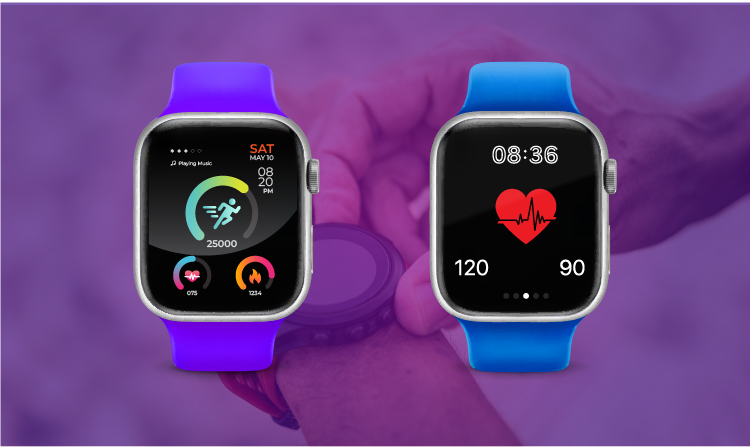
Wearables often fail due to low battery or poor connectivity. Research stresses the importance of fallback UI behaviors⁵.
Reliable interface patterns
- Low-power simplified screens
- Offline state indicators
- Cached data visibility
- Smooth reconnection
A wearable should always provide value, even in less-than-ideal conditions.
7. Privacy Focused Visual Design
Wearables collect extremely sensitive information, including heart rate, sleep cycles, oxygen saturation, and location.
Clear permission flows, sensor indicators, and screen hiding features improve user trust and transparency⁶.
8. The Quiet Companion Approach
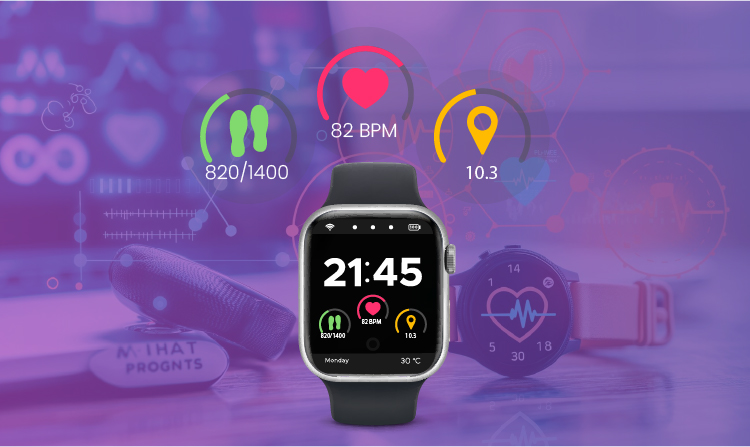
Wearable interfaces are most effective when they feel subtle and supportive instead of attention-grabbing.
Principles
- Stay subtle unless needed
- Provide gentle notifications
- Keep visual feedback calm.
- Blend into routines
- Reduce cognitive noise
This helps the device feel like a helpful companion rather than a demanding gadget.
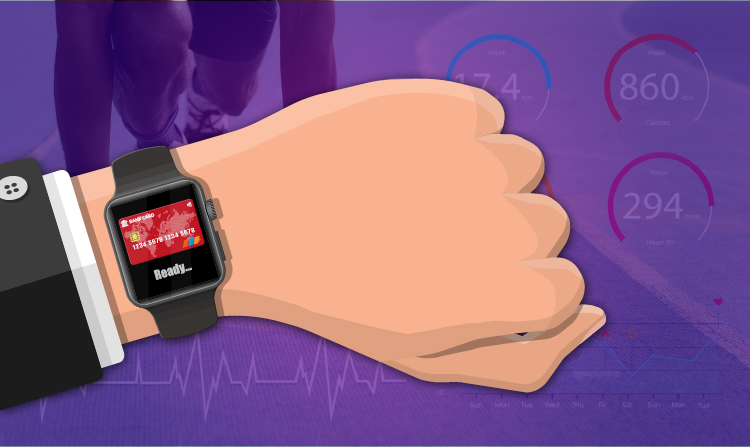
9. The Micro Rituals Principle
Wearables help users build habits without noticing them. Designers can reinforce these rituals intentionally.
Micro rituals to design for
- Morning stat summaries
End-of-day recovery overviews - Hydration reminders
- Streak tracking
- Recovery or wellness cues
These rituals make wearables more meaningful and habit-forming.
FAQ Section
What makes a wearable UI different from a mobile UI?
Wearable UI requires instant readability, simplified interactions, and context-aware states².
Why is glanceability essential?
Wearables are checked within one to three second bursts, making fast readability critical¹.
How can designers improve their low battery usability?
Use simplified power modes, cached screens, and offline UI behavior⁵.
How should privacy be handled in wearable design?
Through permission clarity, active sensor indicators, and public safety screen options⁶.
Conclusion
Wearable UI in 2025 requires clarity, context, calmness, and continuity. These devices live on the body, which means their interfaces must be fast, supportive, adaptive, and respectful of user attention. By following the 4C Framework, designing micro rituals, and planning real-world constraints, wearable UX becomes intuitive and meaningful instead of overwhelming.
This approach creates wearable interfaces that feel smart, human, and ready for the future.
References
Medium. Mastering UX Design for Wearable Technology: Overcoming Key Challenges.
https://medium.com/@illuminz/mastering-ux-design-for-wearable-technology-overcoming-key-challenges-8b52d9b5ad36
UX Design Institute. Designing for Wearables: UX Best Practices.
https://www.uxdesigninstitute.com/blog/designing-for-wearables/
Kritikal Solutions. Wearable Product Design and Development.
https://kritikalsolutions.com/wearable-product-design-and-development/
MPO Magazine. Designing a User-Friendly and Comfortable Wearable Device.
https://www.mpo-mag.com/exclusives/best-practices-for-designing-a-user-friendly-and-comfortable-wearable-device/
PixelQA. Testing Pitfalls and Best Practices for Wearable Devices.
https://www.pixelqa.com/blog/post/testing-pitfalls-and-best-practices-for-wearable-devices
Voler Systems. Best Practices in Designing Wearables for Healthcare.
https://www.volersystems.com/blog/best-practices-in-designing-wearables-devices-for-healthcare