
Artificial intelligence is no longer being tested at the edges of business. In 2026, it is built into the way companies forecast demand, support customers, review documents, write code, detect fraud, manage risk, and improve day-to-day operations. The real shift is not that more businesses have access to AI. It is that more businesses are starting to reorganize work around it.
That is what makes this moment different. AI is no longer just a tool that helps with one task at a time. It is becoming part of how teams make decisions, move work forward, and deliver value faster. For some companies, that means stronger forecasting and automation. For others, it means better customer service, faster product development, or more useful insights from existing data. Either way, the question in 2026 is no longer whether AI matters. It is about which technologies are worth using, where they create real value, and how they fit into the business without creating new problems.
Why AI Matters More to Businesses in 2026
Businesses care more about AI now because the focus has shifted from experimentation to results. A few years ago, many companies were still testing isolated tools. In 2026, the bigger conversation is about performance. Can AI reduce costs? Can it improve speed? Can it help teams make better decisions? Can it support growth without creating chaos?
The companies seeing the strongest results are usually not the ones chasing every new tool. They are the ones using AI in clear, measurable ways. They connect it to workflows, assign ownership, keep humans involved where judgment matters, and build around actual business needs.
That is why AI now sits much closer to operations than to hype. It is being used to solve practical problems, not just generate excitement.
1. Machine Learning and Predictive Analytics
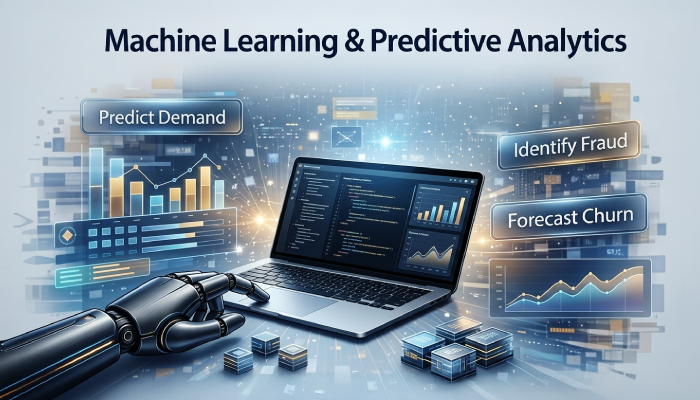
Machine learning remains one of the most important AI technologies in business because it helps companies detect patterns, forecast outcomes, and support decisions at scale.
Businesses use machine learning to:
- Predict customer demand
- Identify fraud or risky behavior
- Forecast churn
- Improve pricing strategies
- Optimize inventory
- Support underwriting and risk scoring
- Model supply chain disruptions
This is where AI helps businesses move from reacting to problems toward anticipating them. Instead of waiting for a report to show what already went wrong, teams can act earlier based on likely outcomes. In retail, that can mean better stock planning. In finance, it can mean stronger fraud detection. In logistics, it can mean spotting delays before they grow into larger operational issues.
Machine learning also plays a central role in many other AI systems, which is why it still matters even as newer categories get more attention.
(This visual was created with AI assistance for illustrative and educational purposes.)
2. Generative AI for Content, Code, and Knowledge Work
Generative AI is one of the most visible business AI categories in 2026 because it directly affects how people work with language, information, and software.
It is now used to:
- Draft content
- Summarize meetings and documents
- Generate and review code
- Support research
- Create internal reports
- Answer knowledge-based questions
- Help teams work faster through routine cognitive tasks
The reason it spread so quickly is simple. It fits naturally into knowledge work. Teams that deal with writing, reviewing, coding, searching, explaining, or summarizing can often save time immediately.
But the strongest use of generative AI is not blind automation. It is assisted production. These systems work best when they help humans move faster, think through options, or reduce repetitive effort, while people still review quality, accuracy, and context. That is especially important in areas like compliance, customer communication, technical documentation, and brand content.
For businesses using AI in publishing or marketing, strong content practices for generative AI matter because speed without oversight creates weak output. It also helps to understand the broader shift behind the rise of generative AI, since that wider market change explains why these tools are now affecting so many business functions at once.
3. Natural Language Processing for Search, Support, and Insight
Natural language processing, or NLP, helps systems understand, classify, summarize, and respond to human language. It powers many of the tools businesses already rely on, even when people do not think of them as NLP tools.
NLP helps businesses:
- Route support tickets more accurately
- Detect intent in customer messages
- Analyze reviews and feedback
- Search internal documents
- Summarize conversations
- Classify requests
- Extract information from unstructured text
This matters because businesses are surrounded by language-heavy data. Emails, chat logs, contracts, support tickets, reviews, transcripts, and internal documents all contain useful signals, but only if companies can actually process them. NLP makes that information easier to search, sort, and act on.
It also plays an important role in internal knowledge systems, customer support tools, and AI assistants that need to respond in a way that feels relevant rather than generic.
4. Robotic Process Automation for Repetitive Work
Robotic process automation, or RPA, is still one of the most practical ways businesses use AI. It is especially valuable for repetitive, rule-based work that happens in high volumes.
Common use cases include:
- Invoice processing
- Payroll support
- Claims handling
- Order updates
- Data entry between systems
- Onboarding workflows
- Recurring report generation
On its own, RPA is useful for structured tasks. When paired with machine learning or language models, it becomes much more flexible. That is where automation starts shifting from simple repetition to more intelligent workflow support.
This is why the bigger opportunity is not just automation on its own, but knowing how to integrate AI into business workflows in a way that matches how teams already operate. Businesses usually get better results when AI fits the process instead of forcing the process to bend around the tool.
5. AI Agents and Multi-Step Workflow Automation
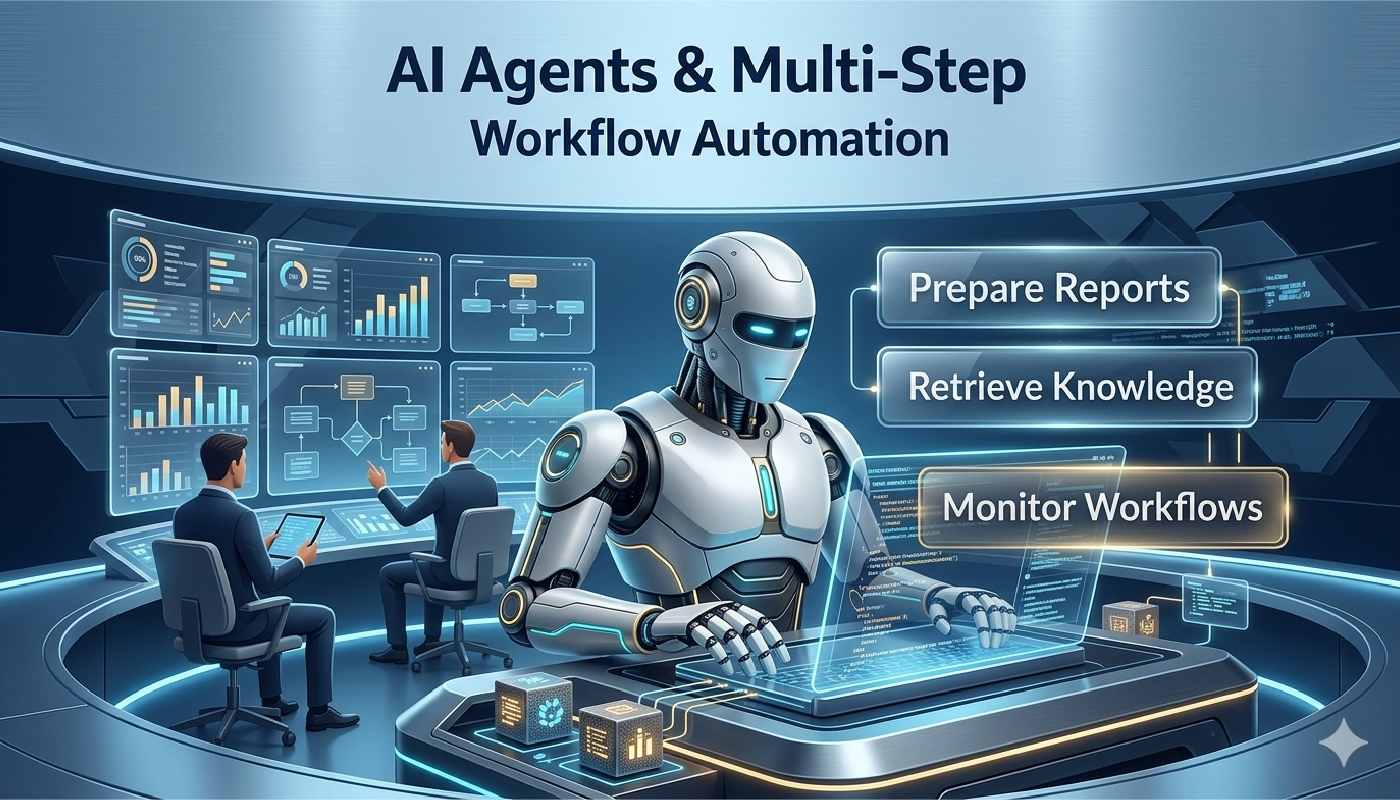
One of the clearest developments in 2026 is the rise of AI agents. These systems go beyond one-off prompts or static chatbot replies. They can handle multi-step tasks, keep track of objectives, retrieve information, compare options, draft outputs, trigger follow-ups, and work across multiple tools.
Businesses are using AI agents to:
- Research vendors or competitors
- Prepare reports from multiple sources
- Retrieve internal knowledge
- Support sales and service teams
- Monitor workflows and trigger next steps
- Assist with coordination across systems
This matters because it changes the role AI can play inside a business. A standard tool might help with one answer. An agent can help move a process forward.
That does not mean businesses should hand over important work without review. It does mean AI is moving beyond simple assistance and into operational support. In that sense, agents are building on the same momentum behind generative AI, but they go further by handling sequences of work rather than a single output.
(This visual was created with AI assistance for illustrative and educational purposes.)
6. Computer Vision for Inspection, Safety, and Operations
Computer vision allows machines to interpret images and video. It is especially useful in industries where visual analysis affects quality, speed, or safety.
Businesses use computer vision for:
- Manufacturing quality checks
- Shelf and stock monitoring
- Document scanning and extraction
- Identity verification
- Workplace safety monitoring
- Medical imaging support
- Traffic and logistics visibility
This is one of the clearest ways AI affects physical operations, not just digital workflows. In environments where visual checks used to depend entirely on human review, computer vision can improve consistency and reduce delay.
It is especially valuable where small mistakes create larger downstream problems. A missed defect, misread document, or overlooked safety issue can be expensive. Computer vision helps reduce that risk by scaling visual review in a more structured way.
7. Reinforcement Learning and Real-Time Optimization
Reinforcement learning is most useful when a system needs to keep adjusting based on feedback from its environment. It is less visible in daily office work than generative AI, but it matters in settings where conditions change constantly and decisions need to improve over time.
It is often used in:
- Robotics
- Energy systems
- Industrial controls
- Route planning
- Warehouse optimization
- Autonomous or semi-autonomous systems
For many businesses, it is not the first AI capability they adopt. But in complex environments where timing, movement, or allocation matter, it can be extremely useful. This is the kind of AI that helps systems learn what works by testing, adjusting, and improving through repeated interaction.
That makes it especially relevant for businesses that depend on efficiency in motion, scheduling, or resource allocation.
8. Edge AI and AI-Optimized Hardware
As AI moves into more real-world environments, businesses are paying more attention to where models run and what hardware supports them. Edge AI means running models closer to where data is created instead of sending everything back to the cloud first.
That matters when businesses need:
- Faster response times
- Lower latency
- More privacy control
- Stronger offline reliability
- On-site decision-making
Examples include smart cameras in factories, predictive maintenance systems, in-store retail devices, and connected logistics equipment.
This matters because not every business AI use case works well when every decision depends on a round trip to the cloud. Some environments need local, near-instant analysis. In those cases, edge AI improves responsiveness and can also reduce privacy and connectivity concerns.
How AI Is Changing Business Models
AI is not only changing tasks. It is changing how businesses create, package, and deliver value.
Productized intelligence
Prediction, recommendation, summarization, and automation are increasingly becoming part of the product itself. AI is no longer only working behind the scenes. In many businesses, it is part of what customers are paying for.
Scaled service delivery
Businesses can serve more customers without increasing headcount at the same pace. This is especially visible in support, onboarding, sales assistance, and internal operations.
Better use of operational data
Companies are getting more value from the data they already collect. AI helps turn that data into forecasts, alerts, segmentation, and decision support.
Faster experimentation
Teams can test messaging, workflows, pricing ideas, and service models faster because AI lowers the cost of drafting, analysis, and iteration.
New governance requirements
As adoption grows, so do risks around privacy, bias, security, oversight, and accuracy. That is why businesses also need to think carefully about data privacy as AI systems handle more sensitive information across teams and departments.
Where Businesses Are Seeing the Strongest Impact
The industries seeing the strongest gains tend to be the ones dealing with large volumes of data, repetitive workflows, or constant decision-making.
In retail and online selling, AI supports recommendations, forecasting, customer support, and more tailored buying journeys. That is already visible in how AI personalizes ecommerce experiences and helps brands respond faster to customer behavior.
In customer-facing businesses, AI is also reshaping support and communication. This shows up in the expanding role of AI in customer experience and in how brands use AI chatbots to support sales and service more efficiently.
Finance, healthcare, logistics, and software are also seeing a strong impact because they combine high-volume information, repeatable processes, and frequent operational decisions.
What Businesses Need to Get Right in 2026
The businesses getting real value from AI are usually not the ones using the most tools. They are the ones building better systems around those tools.
That means focusing on:
- Workflow redesign, not just tool access
- Data quality and integration
- Human review where mistakes are costly
- Governance and policy
- Employee training and adoption
- Use cases tied to cost, speed, quality, or revenue
This is where many businesses still struggle. The tools are improving quickly, but scaling them responsibly still depends on process, leadership, data maturity, and accountability. The companies that do this well usually treat privacy, implementation, and workflow design as part of the same conversation, not as separate projects.
FAQ’S
What are the most important AI technologies for business in 2026?
The most important technologies are machine learning, generative AI, NLP, RPA, AI agents, computer vision, reinforcement learning, and edge AI. The right mix depends on the business model and the kind of work being improved.
How are businesses using AI in 2026?
Businesses are using AI for forecasting, support, automation, document review, coding, content generation, fraud detection, knowledge retrieval, and workflow coordination. The biggest gains usually come when AI is built into real processes rather than used as a standalone tool.
Is generative AI the same as machine learning?
No. Generative AI creates new outputs such as text, code, images, or summaries. Machine learning is the broader category that includes systems trained to detect patterns, make predictions, or classify data.
What is the difference between AI automation and AI agents?
Traditional AI automation usually handles fixed or rule-based tasks. AI agents can carry out multi-step work, move across systems, and make progress toward a goal with less manual prompting.
Which AI technology is most useful for small businesses?
For many small businesses, the most useful starting points are generative AI, support automation, and workflow tools that save time on repetitive tasks. The best choice depends on where the business is losing time, consistency, or visibility.
Which industries benefit most from AI technologies?
Retail, e-commerce, finance, healthcare, logistics, and software are among the biggest beneficiaries because they handle large volumes of data, repeatable workflows, or constant decision-making.
What are the main risks of using AI in business?
The biggest risks include poor data quality, weak governance, inaccurate outputs, privacy issues, bias, and over-reliance on automation without human review.
How can small businesses use AI in 2026?
Small businesses can start with practical use cases such as customer support, content drafting, email summaries, workflow automation, scheduling, and internal knowledge tools. The best starting point is usually one process that is repetitive, time-consuming, and easy to measure.
What AI Adoption Looks Like in 2026?
In 2026, the biggest AI story is not that businesses have access to more tools. It is that AI is starting to shape how work is structured.
Machine learning helps companies predict. Generative AI helps teams create and summarize. NLP helps systems understand language. RPA reduces repetitive work. AI agents can now handle multi-step tasks. Computer vision supports physical operations. Edge AI brings intelligence closer to where decisions happen.
The businesses that benefit most are usually the ones that stay practical. They choose clear use cases, keep humans involved where it matters, build governance early, and focus on measurable value instead of hype.