Let’s cut the polite tech reviews and get real:
In 2025, design isn’t about choosing the “best tool,” it’s about choosing how you work.
And the Figma vs Sketch debate?
Still alive. Still loud.
But the playing field has changed.
So…who’s winning?
Figma vs Sketch: How We Got Here
| Year | What Happened |
| 2017 | Sketch dominated UI design, and Figma was the underdog |
| 2020 | Figma introduced real-time collaboration, a game-changer |
| 2023 | Sketch added cloud features, but felt late |
| 2025 | Figma owns the workflow, Sketch survives as the indie pick |
The Design Workflow in 2025
Let’s get one thing straight:
Design in 2025 is collaborative by default.
Teams don’t just need nice interfaces; they need tools that handle:
- Brainstorming
- Wireframing
- Prototyping
- Developer handoff
- Feedback loops
- Version control
And now… AI’s part of the workflow too.
Figma in 2025: The Ecosystem Leader
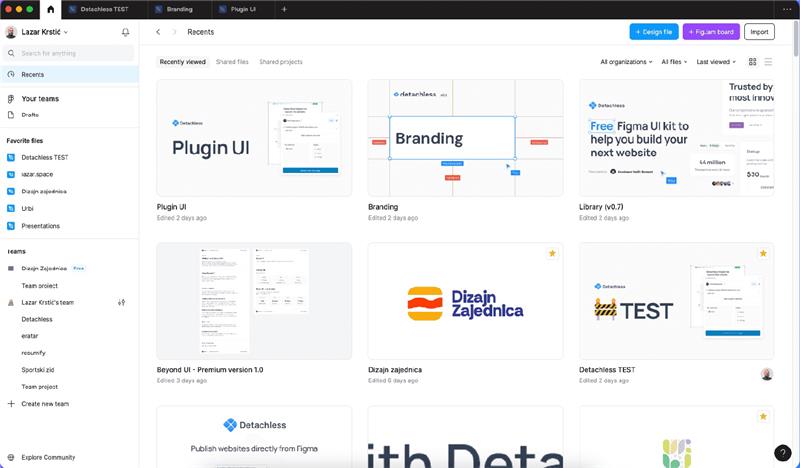
If you work with a product team, you probably use Figma.
Not because it’s trendy, but because it runs the whole workflow. Collaborative Design with Figma: A Practical Guide (2025 Edition)
Why Figma’s Winning:
🔹 Real-Time Collaboration
Design with your team live, no file sharing chaos.
Proof: Figma Collaboration Overview
🔹 Dev Mode = No More Handoff Drama
Figma launched Dev Mode in 2024.
Now devs can inspect files, grab code snippets, and stay inside Figma.
Read more: Figma Dev Mode
🔹 FigJam Integration
FigJam isn’t just a sticky note; it’s a full product thinking inside Figma.
See it here: FigJam by Figma
🔹 AI Assist (That’s Useful)
Figma’s AI helps you design smarter, not harder:
- Generates layouts
- Fixes UX copy
- Creates placeholder images
🔹 Cross-Platform = No Drama
Browser, Mac, Windows, it just works.
Sketch in 2025: The Indie Alternative
Here’s the thing: Sketch isn’t dead.
It’s just a niche now.
If you’re a solo designer or you love the Mac ecosystem, Sketch still has appeal.
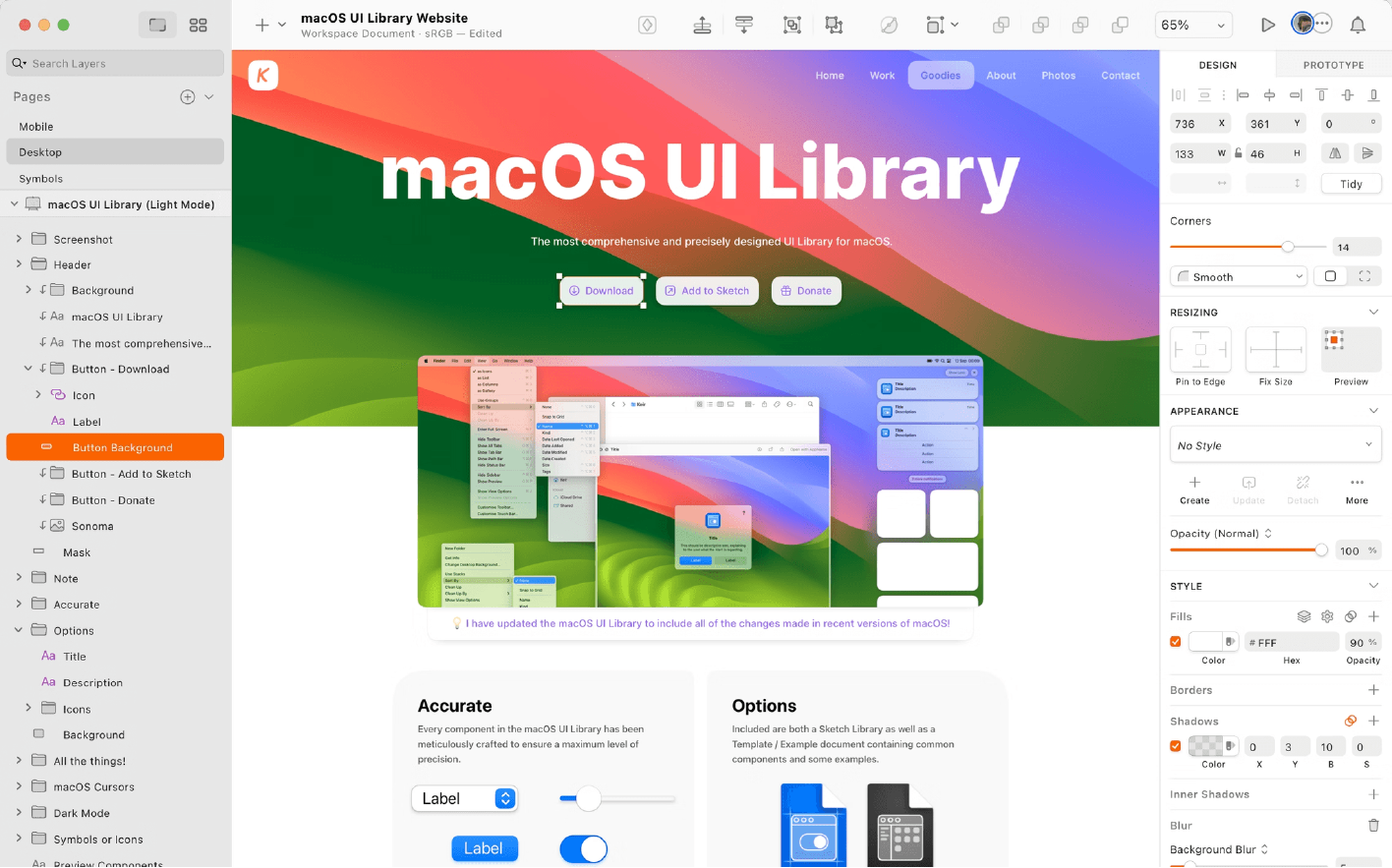
Why Some Designers Stick with Sketch:
🍏 Mac-Only = Super Fast
Sketch runs native on Mac = fast, clean, optimized.
🔒 Local File Control
Sketch lets you save everything locally.
No forced cloud uploads.
💸 One-Time License
Figma = subscription.
Sketch = pay once, use forever (with optional renewals).
See pricing here: Sketch Pricing
🤝 Collab Tools? Sort of…
Sketch added live collaboration, but it’s still not as smooth as Figma.
Details: Sketch Collaboration
The 2025 Comparison: Figma vs Sketch
| Feature | Figma | Sketch |
| Real-Time Collab | ✅ Seamless | 🚫 Clunky |
| Dev Handoff | ✅ Dev Mode built-in | 🚫 Needs plugins |
| AI Tools | ✅ Layout, copy, images | 🚫 None |
| Brainstorming | ✅ FigJam | 🚫 Use external tools |
| Local File Control | 🚫 Cloud-first | ✅ Full control |
| Platform | Browser, Mac, Windows | Mac-only |
| Pricing | SaaS (subscription) | One-time license |
What Designers Are Saying
Real quotes from the design community:
“Figma is the Spotify of design tools.
You don’t technically own anything, but it’s fast, collaborative, and has everything in one place.”
Source: Reddit r/UXDesign
“Sketch is like buying vinyl records.
More control, better for collectors, but niche.”
So… Who’s Winning?
If you’re working on product teams?
Figma. No contest.
It handles everything from brainstorming to developer handoff.
If you’re solo or anti-subscription?
Sketch still works.
Especially for Mac-first designers who want control.
What’s Next for Design Tools?
The Big Shifts:
| Old Workflow | 2025 Reality |
| Solo design files | Multiplayer by default |
| Manual handoffs | Live dev-mode reviews |
| Exporting assets | Inspect & copy in real-time |
| Separate whiteboards | Built-in FigJam |
Final Verdict
Both Figma and Sketch survived 2025.
But let’s not sugarcoat it:
Figma is winning the mainstream.
Sketch is thriving in its niche.
And honestly? That’s okay.
Your Turn
Are you team Figma or team Sketch in 2025?
👇 Drop your thoughts in the comments.